# react-native-maps
React Native Map components for iOS + Android
## Installation
See [Installation Instructions](docs/installation.md).
## General Usage
```js
import MapView from 'react-native-maps';
```
or
```js
var MapView = require('react-native-maps');
```
This MapView component is built so that features on the map (such as Markers, Polygons, etc.) are
specified as children of the MapView itself. This provides an intuitive and react-like API for
declaratively controlling features on the map.
### Rendering a Map with an initial region
```jsx
```
### Using a MapView while controlling the region as state
```jsx
getInitialState() {
return {
latitude: 37.78825,
longitude: -122.4324,
latitudeDelta: 0.0922,
longitudeDelta: 0.0421,
};
}
onRegionChange(region) {
this.setState({ region });
}
render() {
return (
);
}
```
### Rendering a list of markers on a map
```jsx
{this.state.markers.map(marker => (
))}
```
### Rendering a Marker with a custom view
```jsx
```
### Rendering a Marker with a custom image
```jsx
```
### Rendering a custom Marker with a custom Callout
```jsx
```
### Draggable Markers
```jsx
this.setState({ x: e.nativeEvent.coordinate })}
/>
```
## Examples
### MapView Events
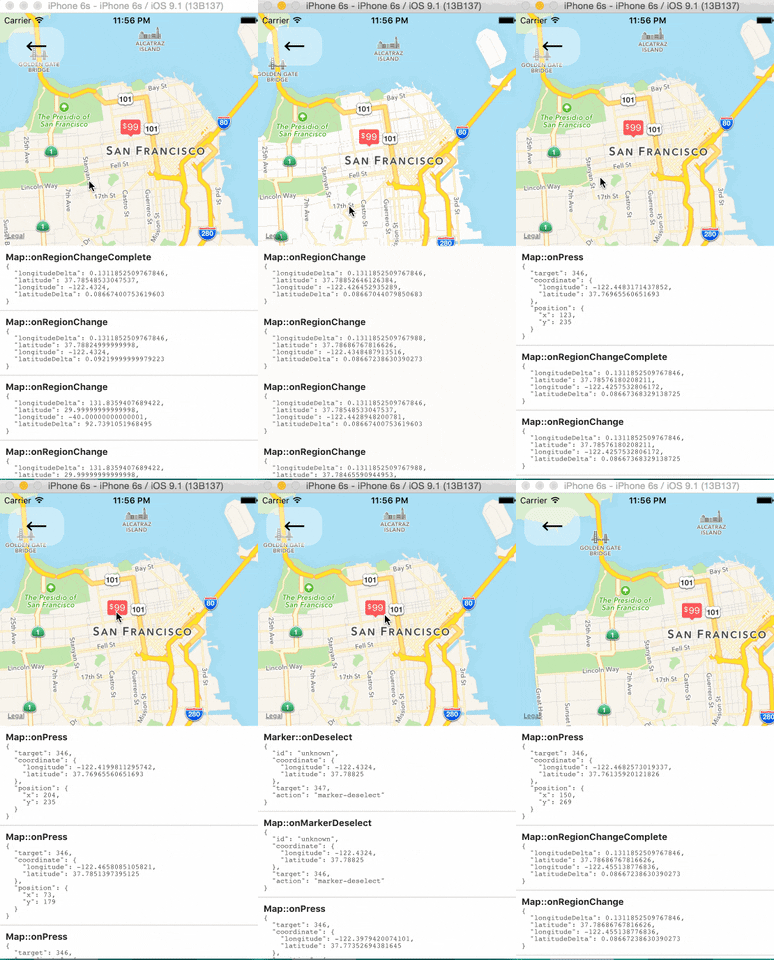
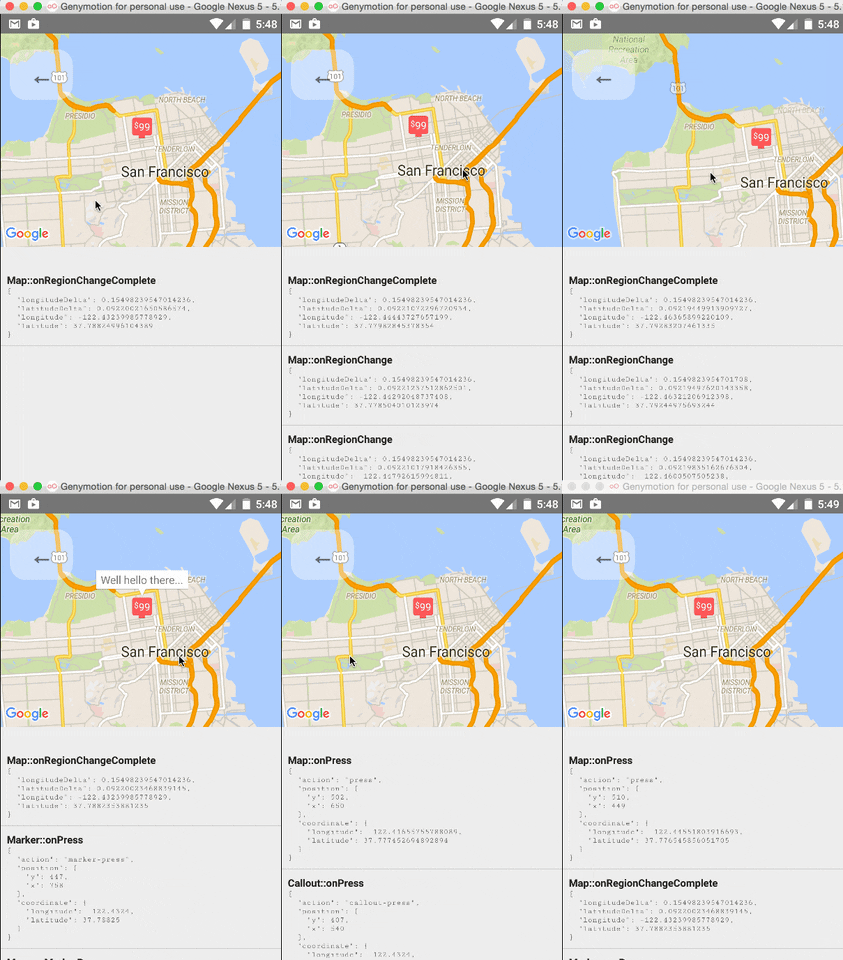
The `` component and its child components have several events that you can subscribe to.
This example displays some of them in a log as a demonstration.
### Tracking Region / Location
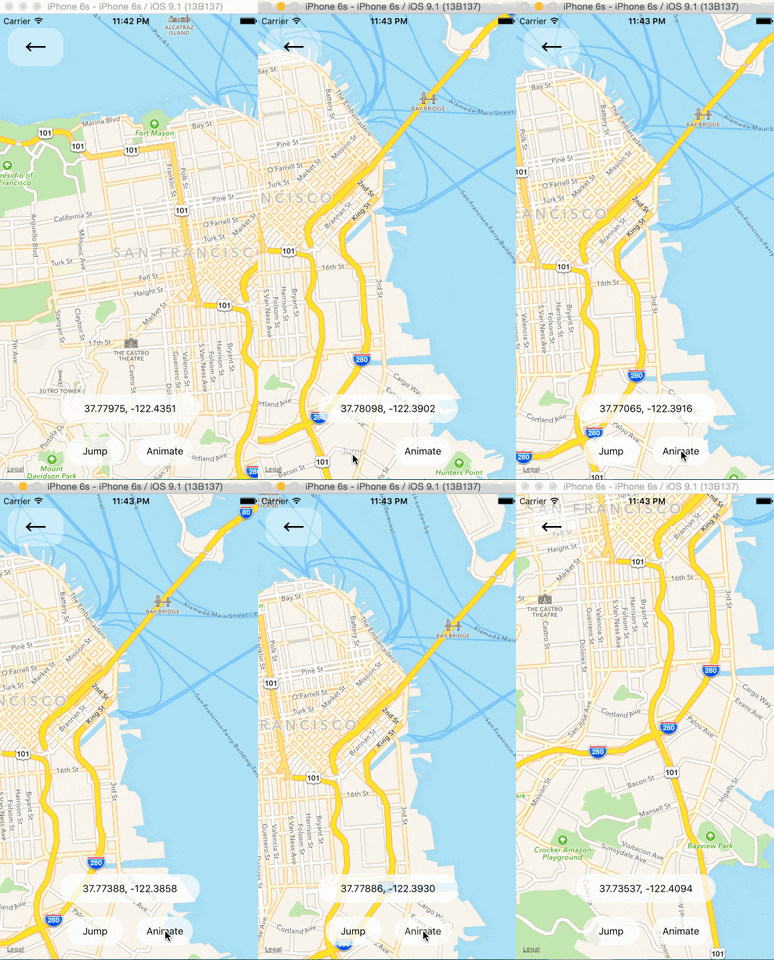
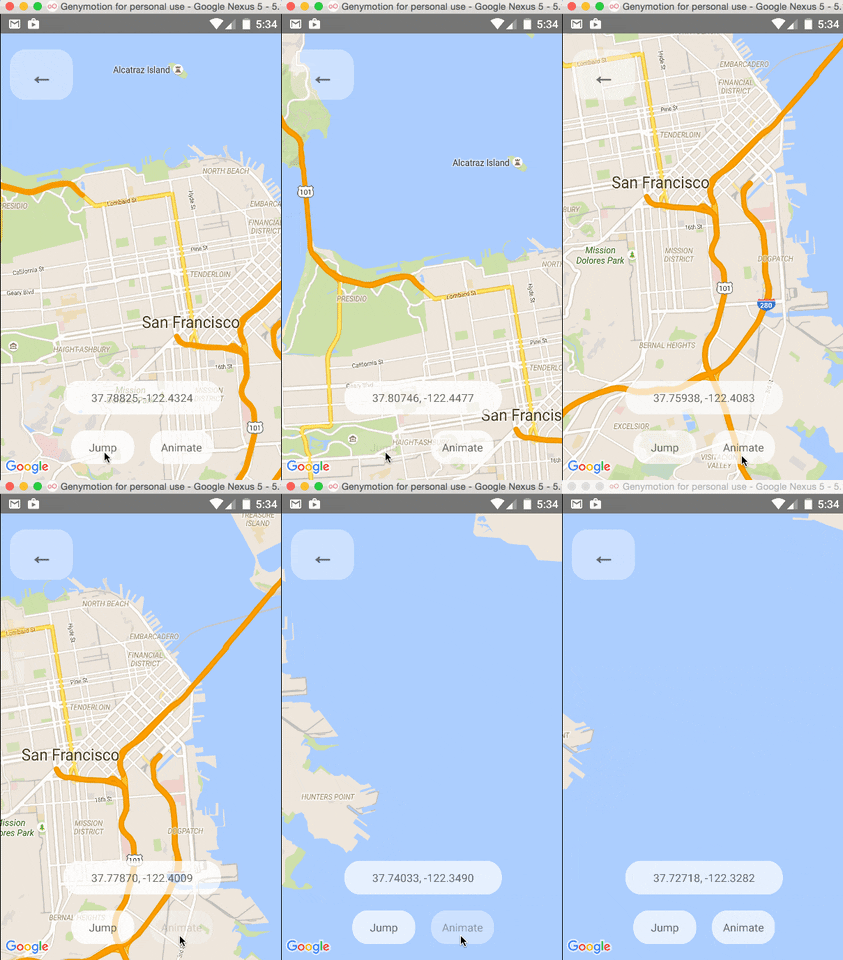
### Programmatically Changing Region
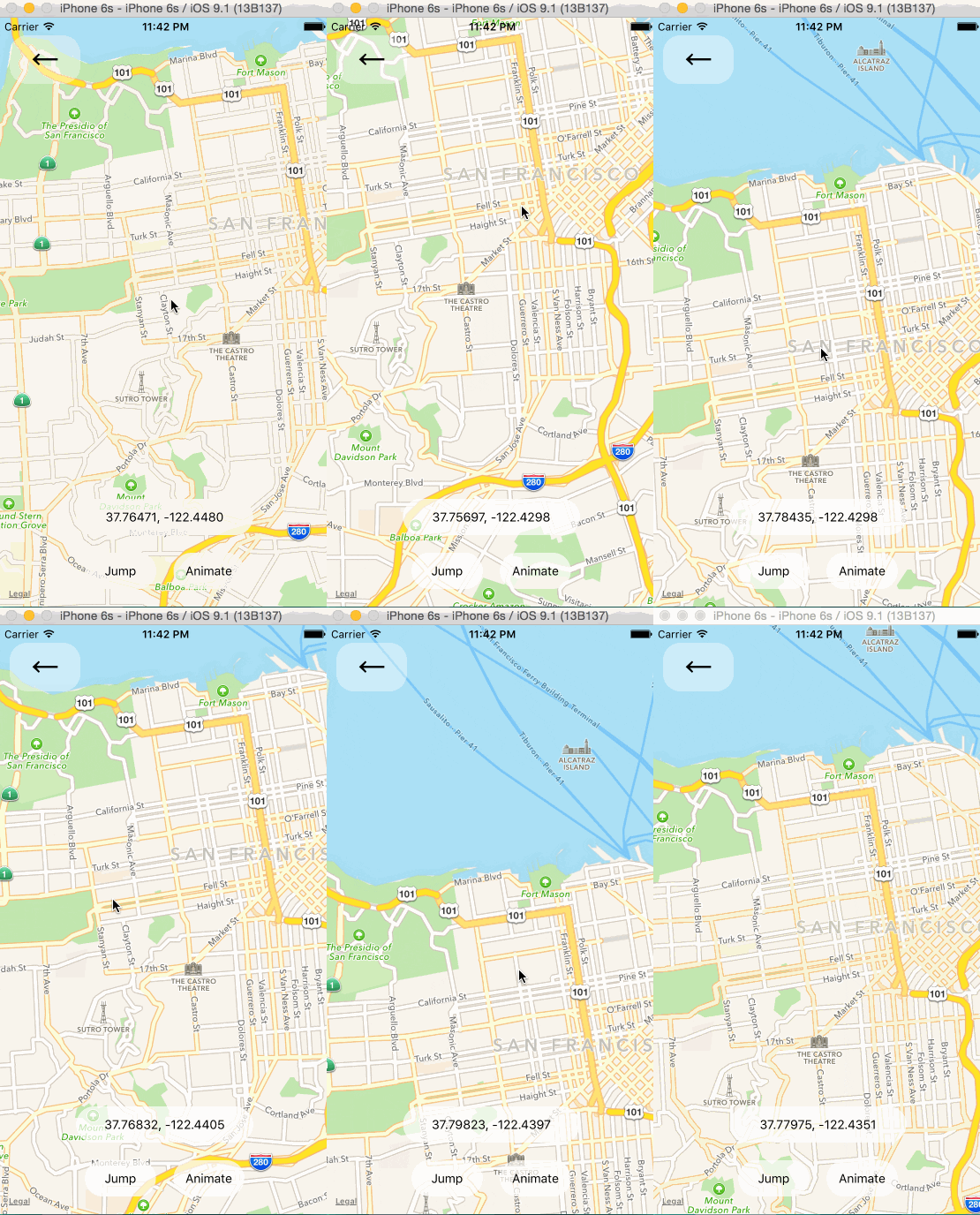
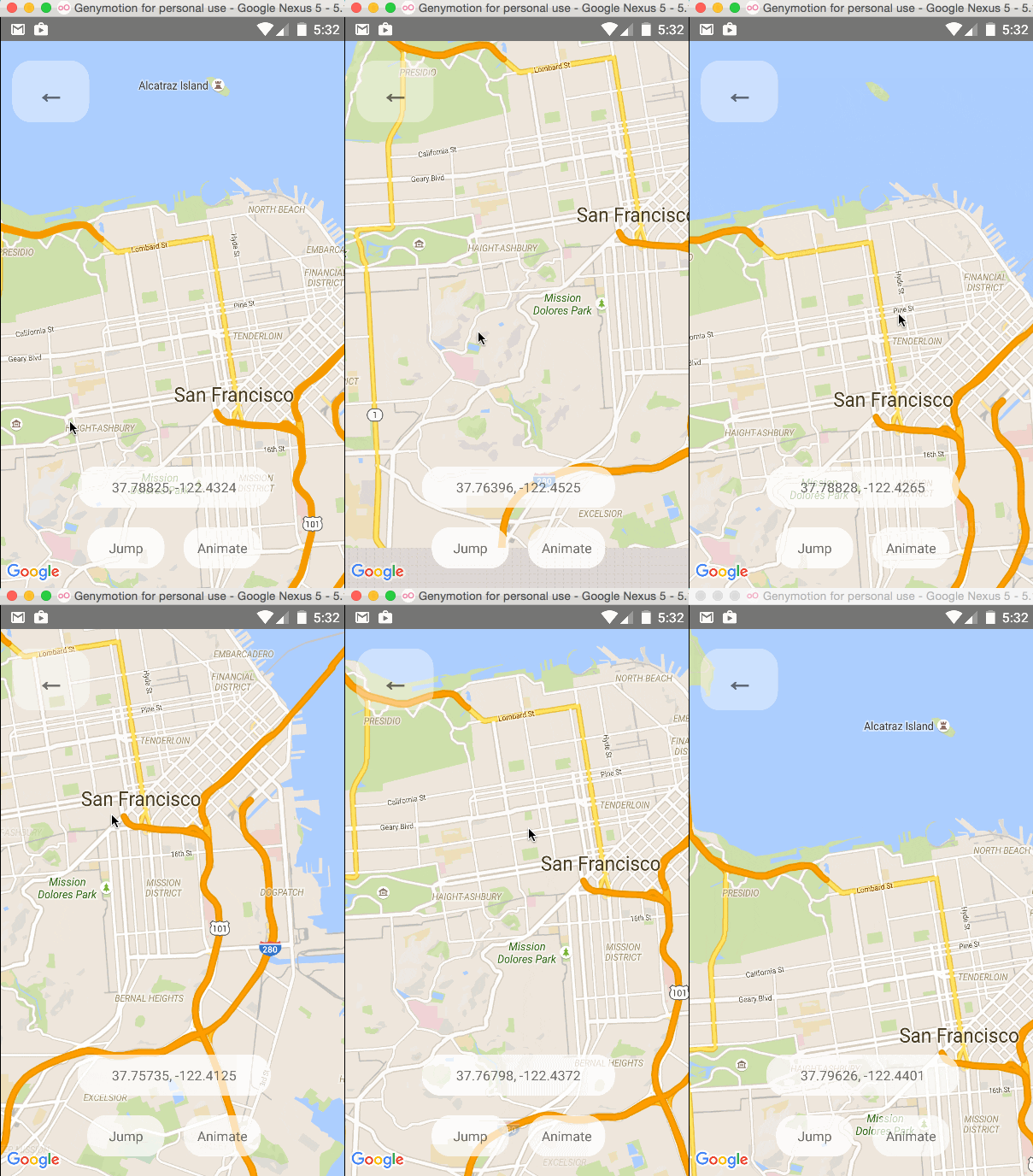
One can change the mapview's position using refs and component methods, or by passing in an updated
`region` prop. The component methods will allow one to animate to a given position like the native
API could.
### Arbitrary React Views as Markers
### Using the MapView with the Animated API
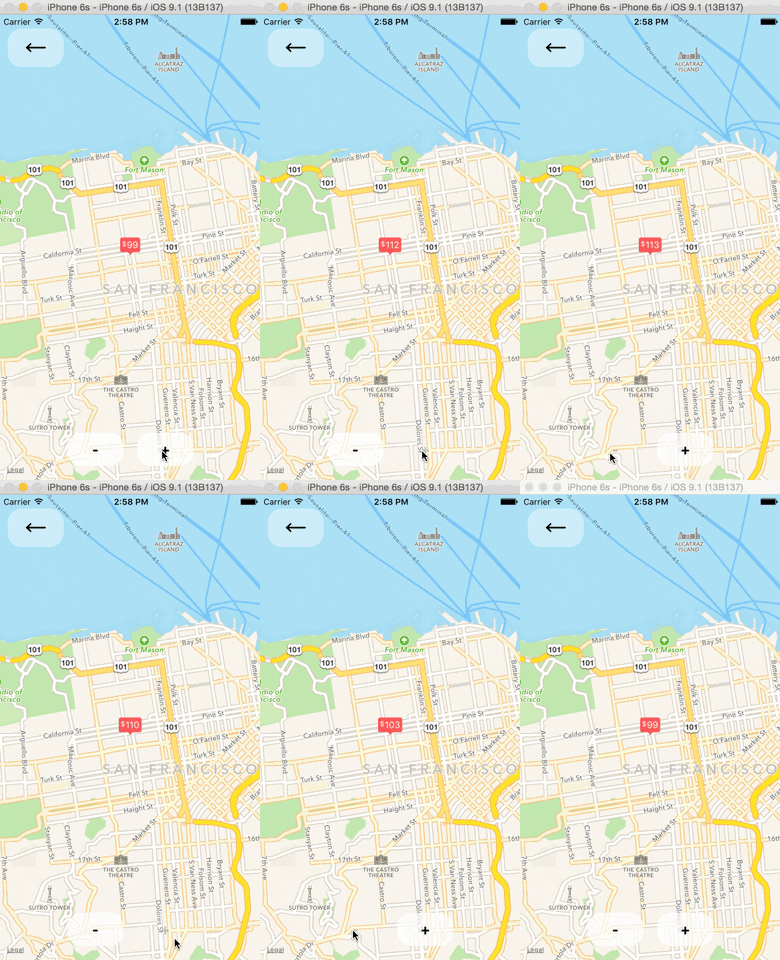
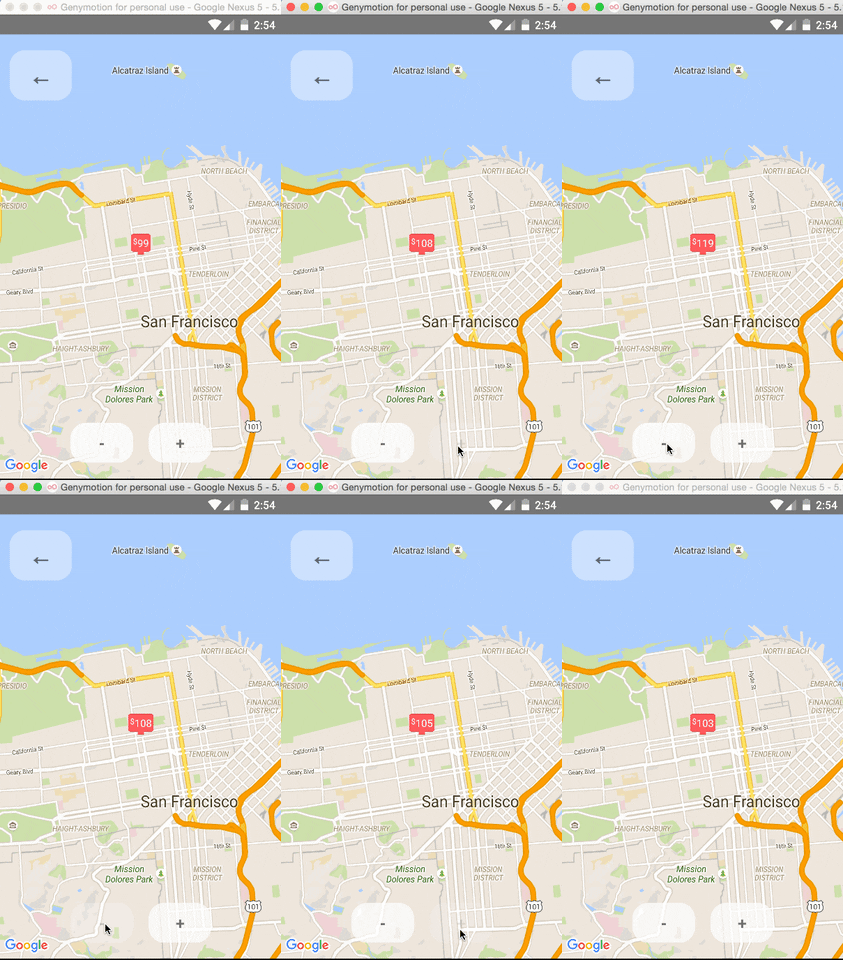
The `` component can be made to work with the Animated API, having the entire `region` prop
be declared as an animated value. This allows one to animate the zoom and position of the MapView along
with other gestures, giving a nice feel.
Further, Marker views can use the animated API to enhance the effect.
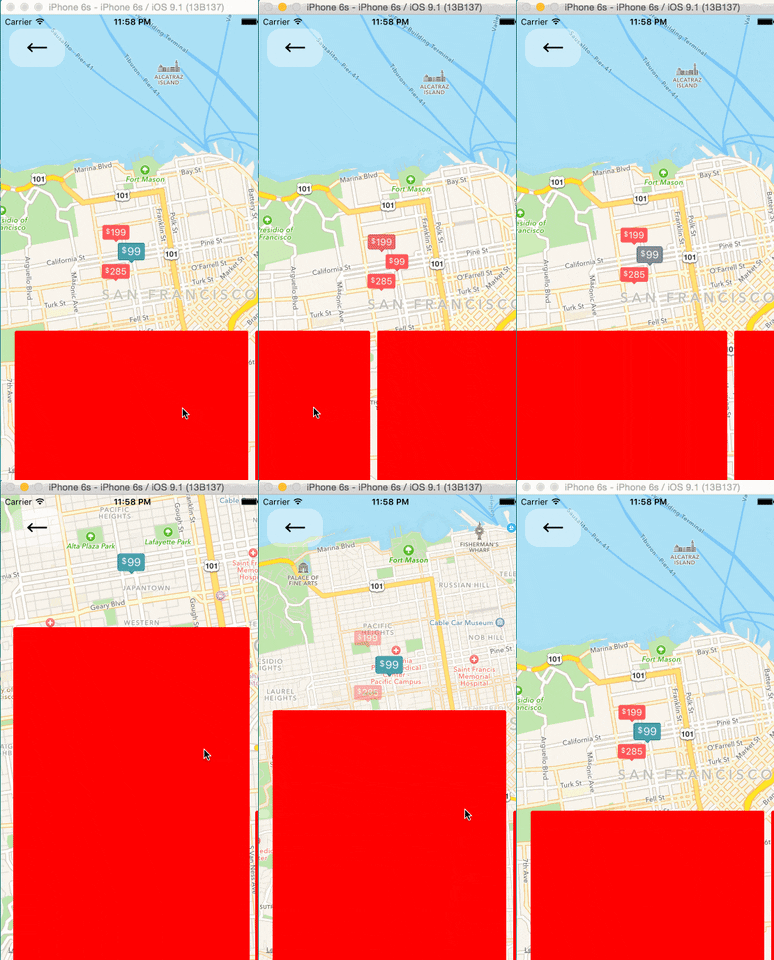 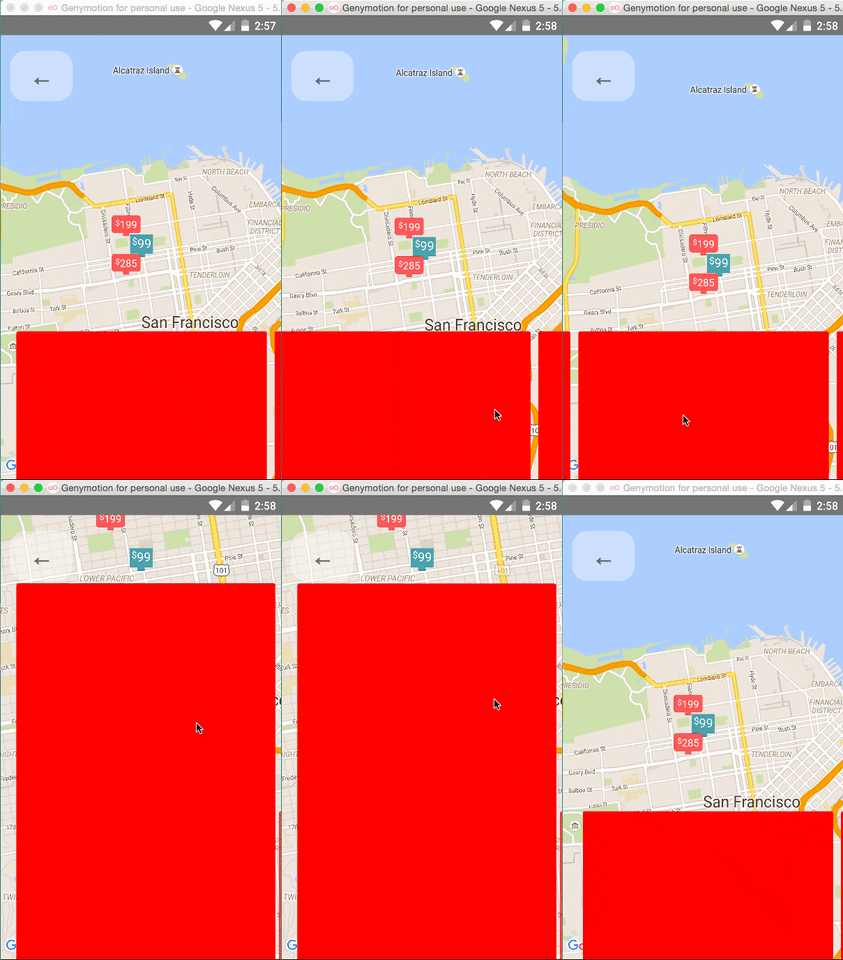
Issue: Since android needs to render its marker views as a bitmap, the animations APIs may not be
compatible with the Marker views. Not sure if this can be worked around yet or not.
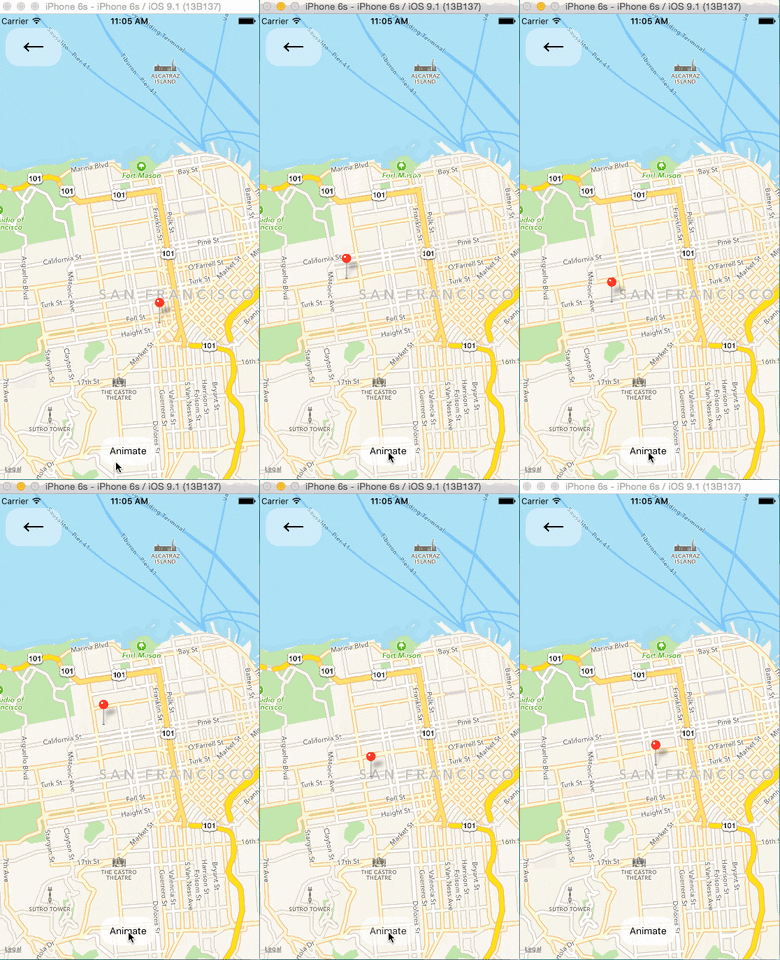
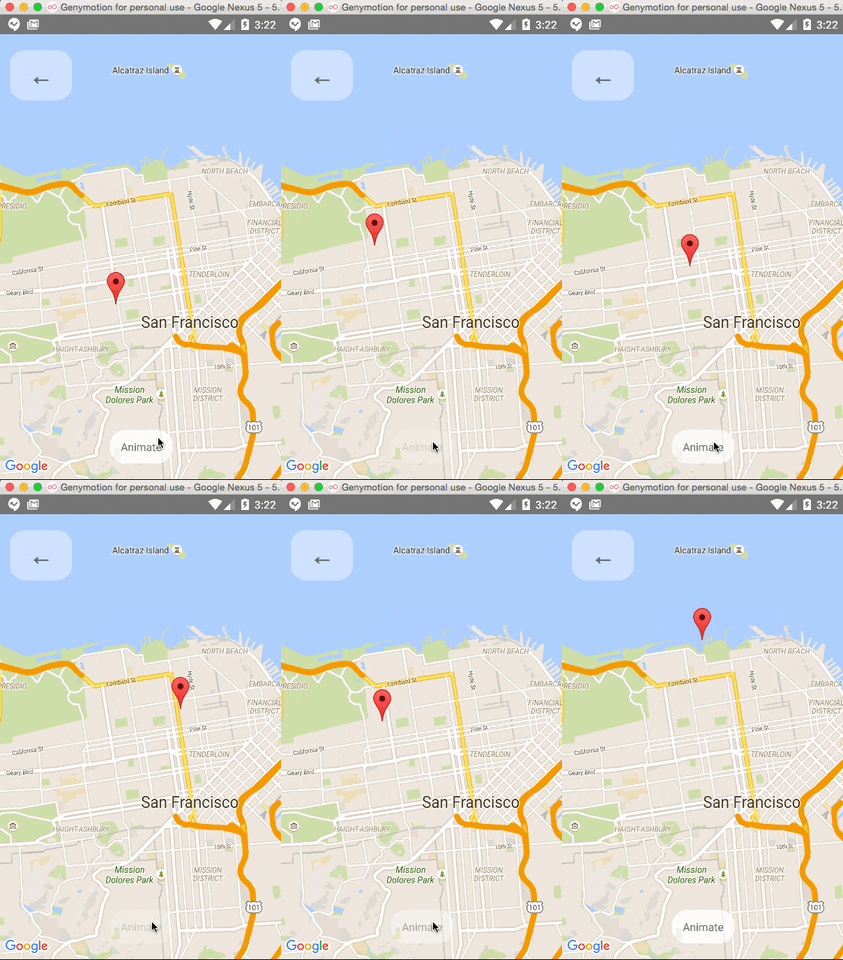
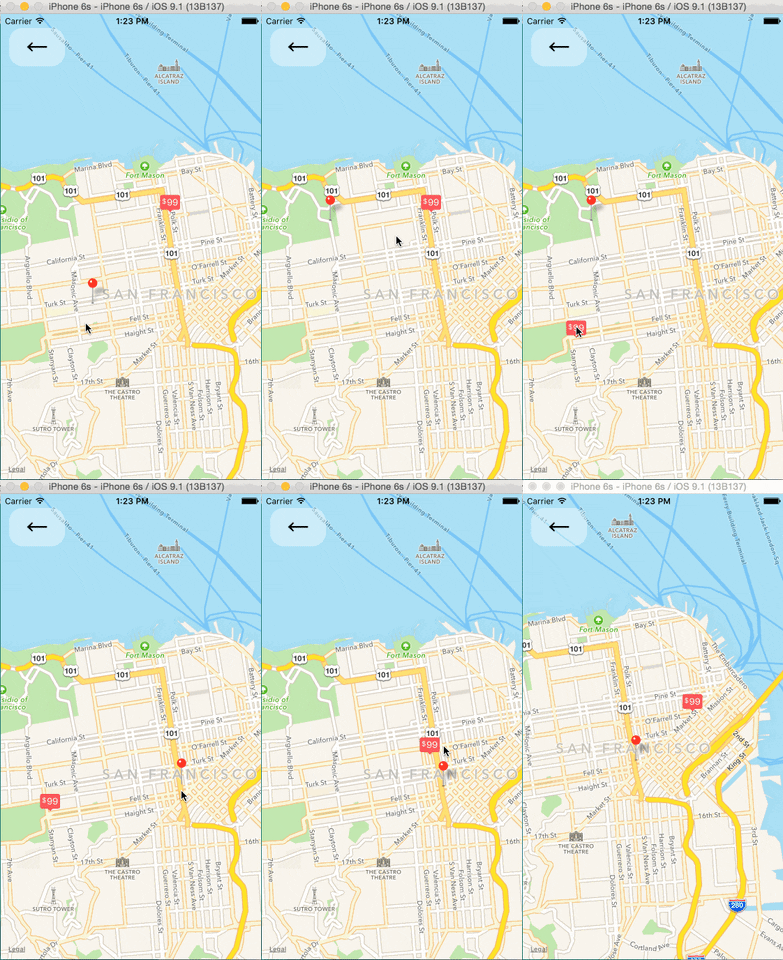
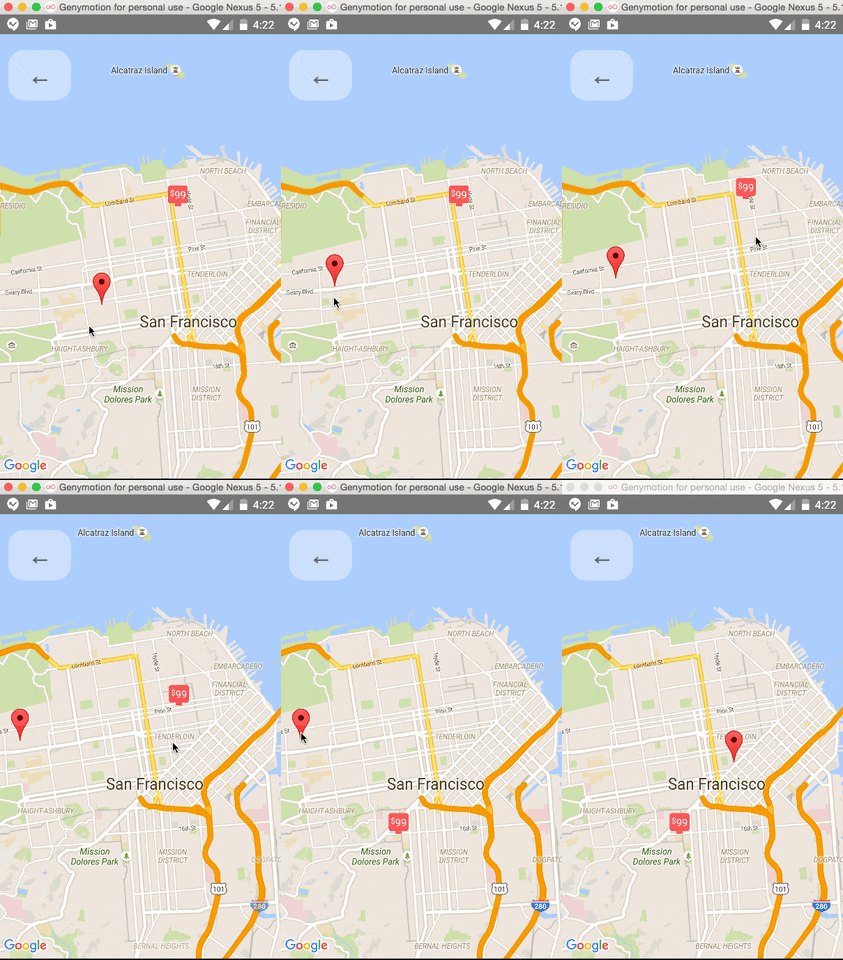
Markers' coordinates can also be animated, as shown in this example:
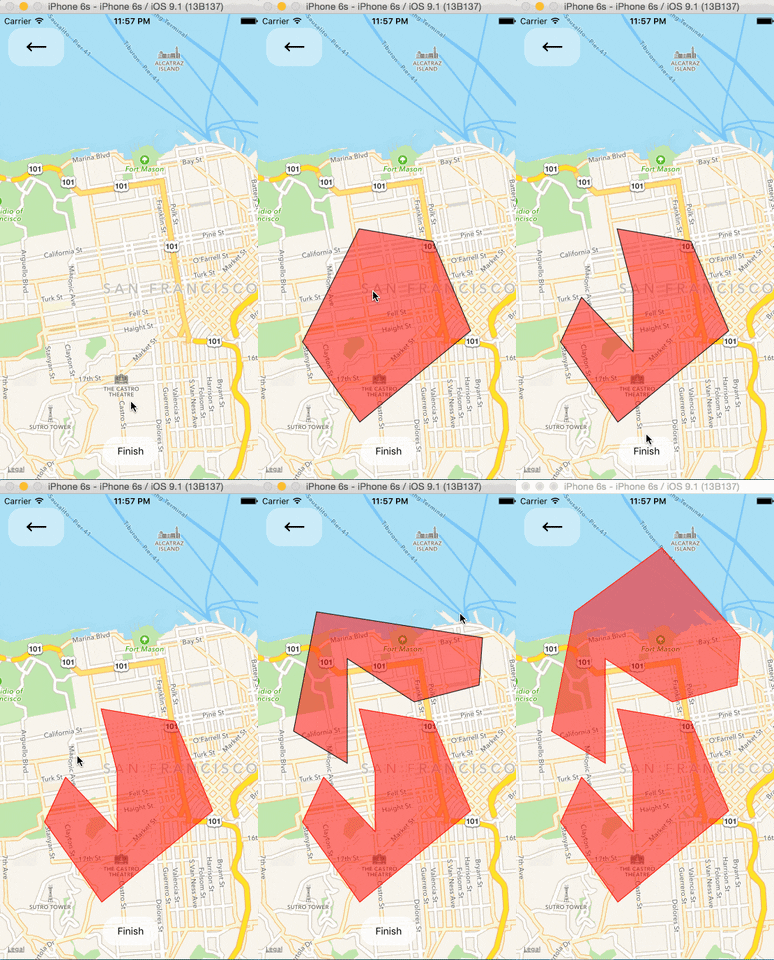
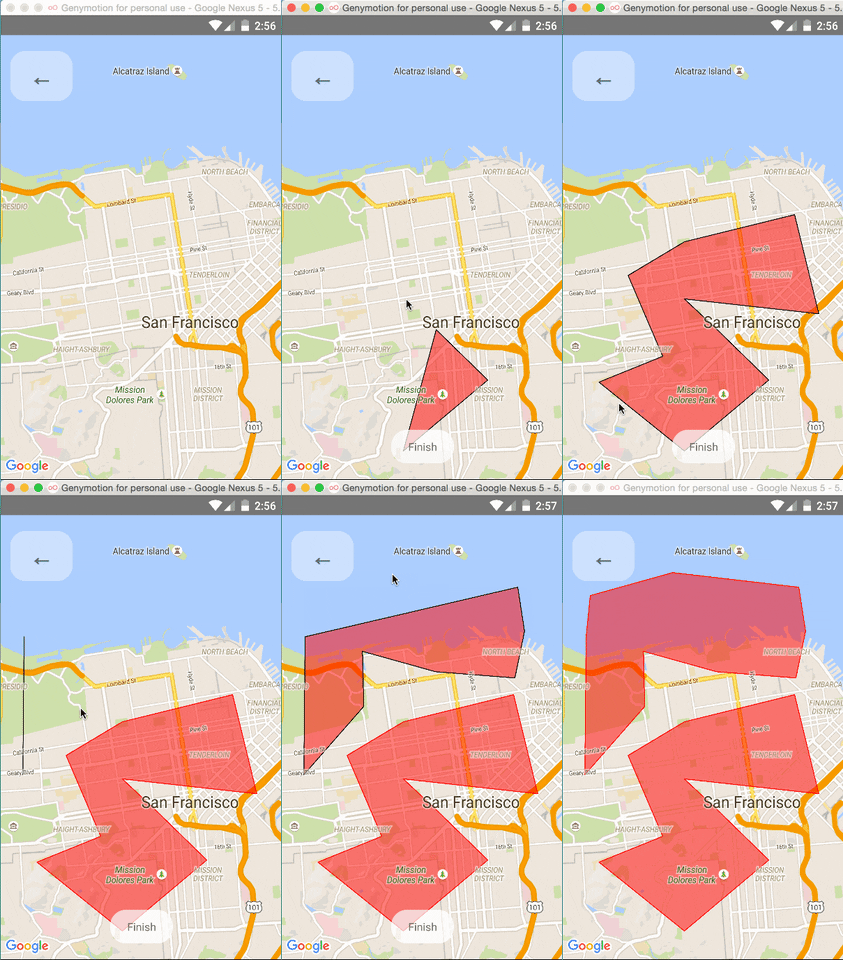
### Polygon Creator
### Other Overlays
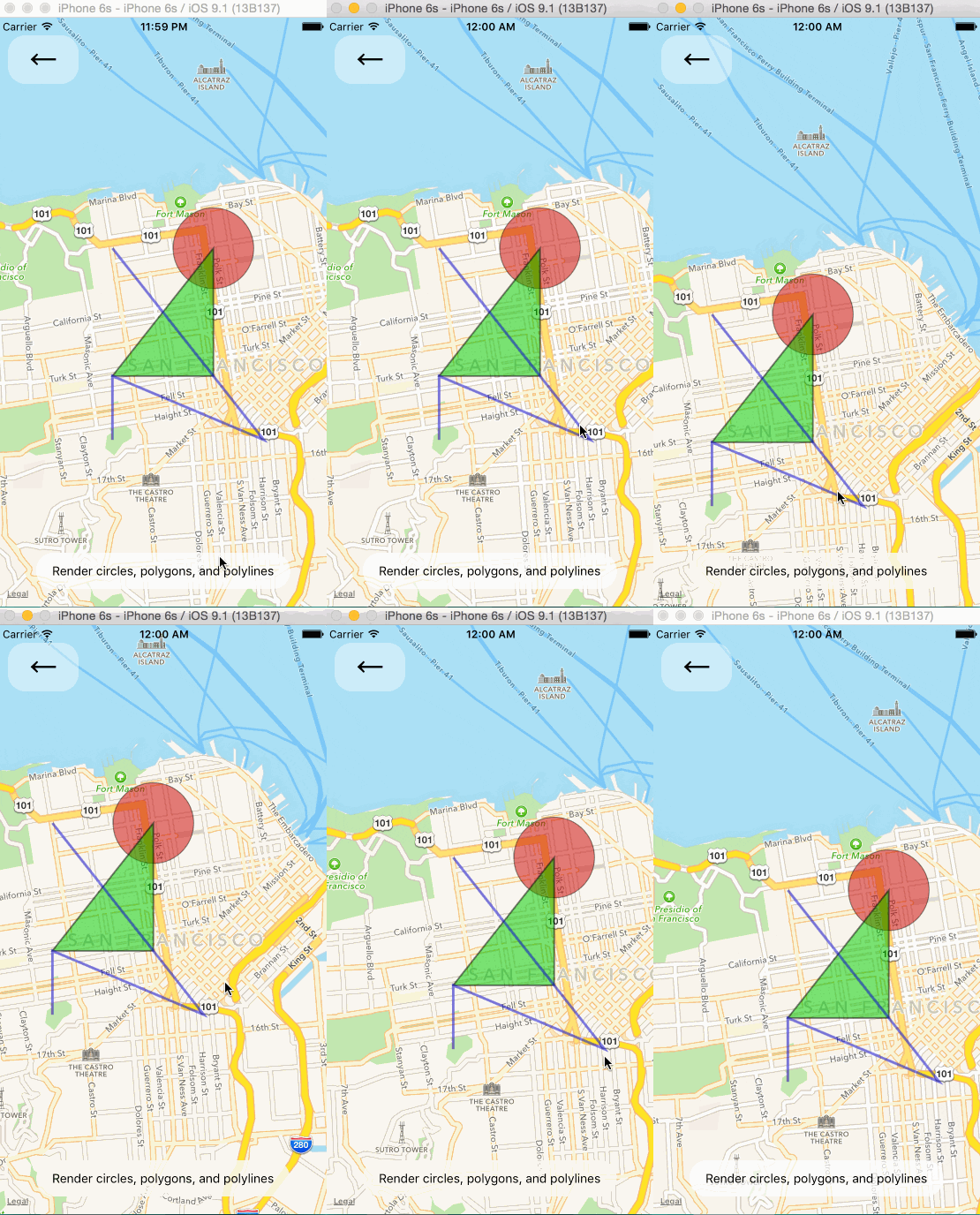
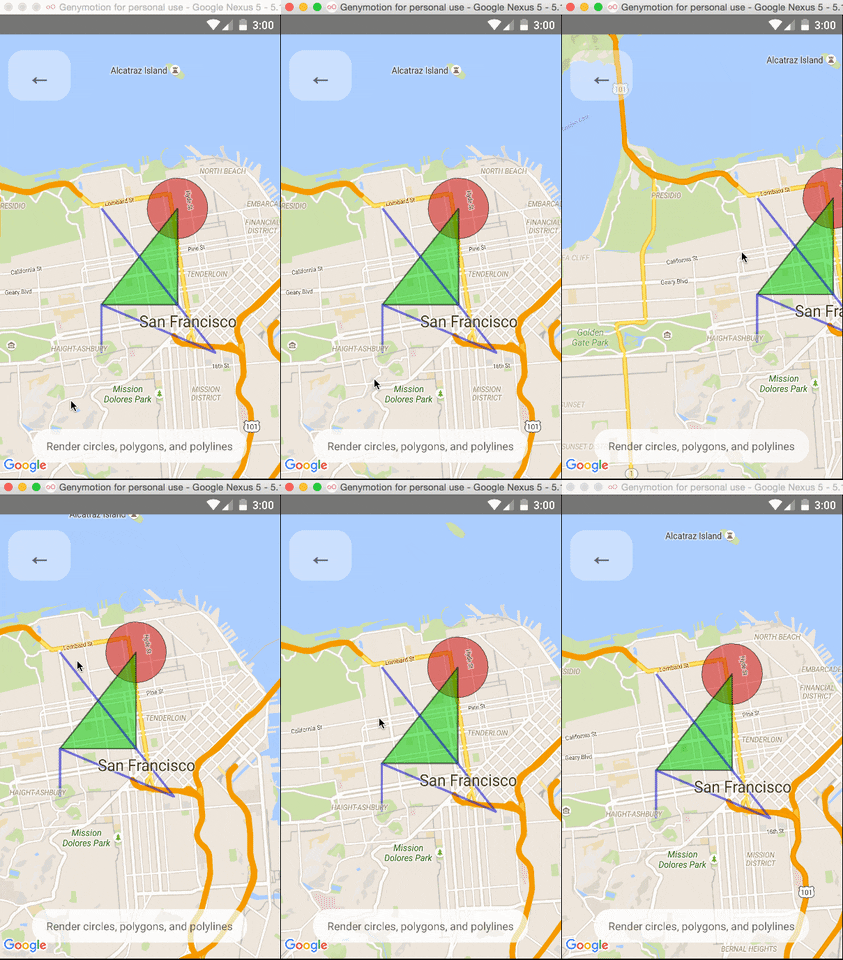
So far, ``, ``, and `` are available to pass in as children to the
`` component.
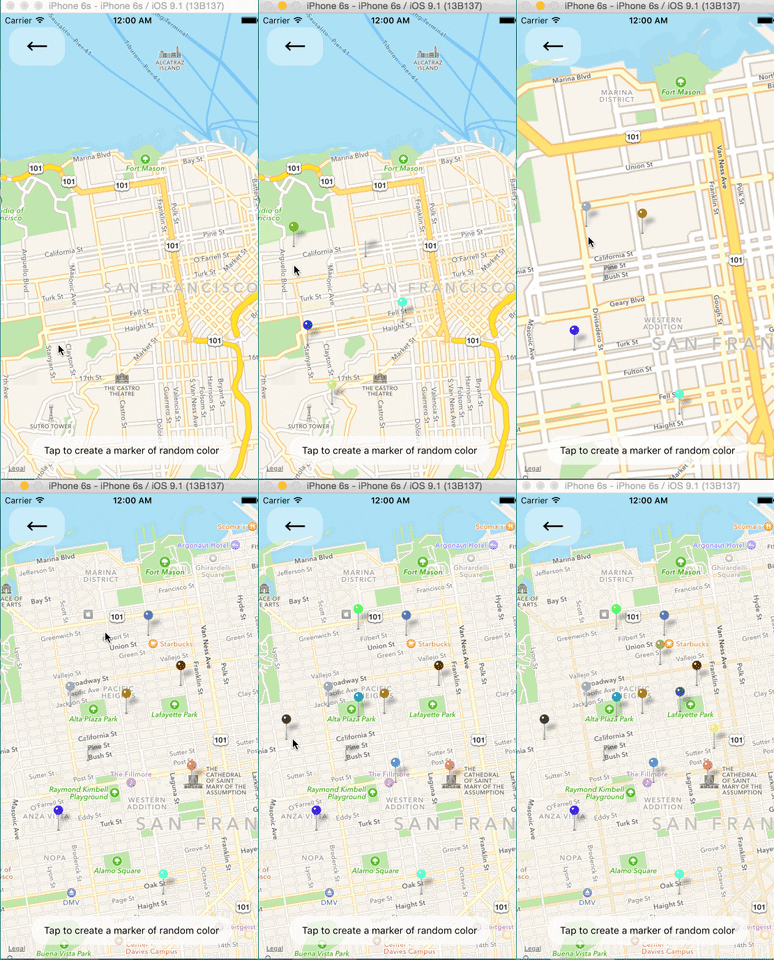
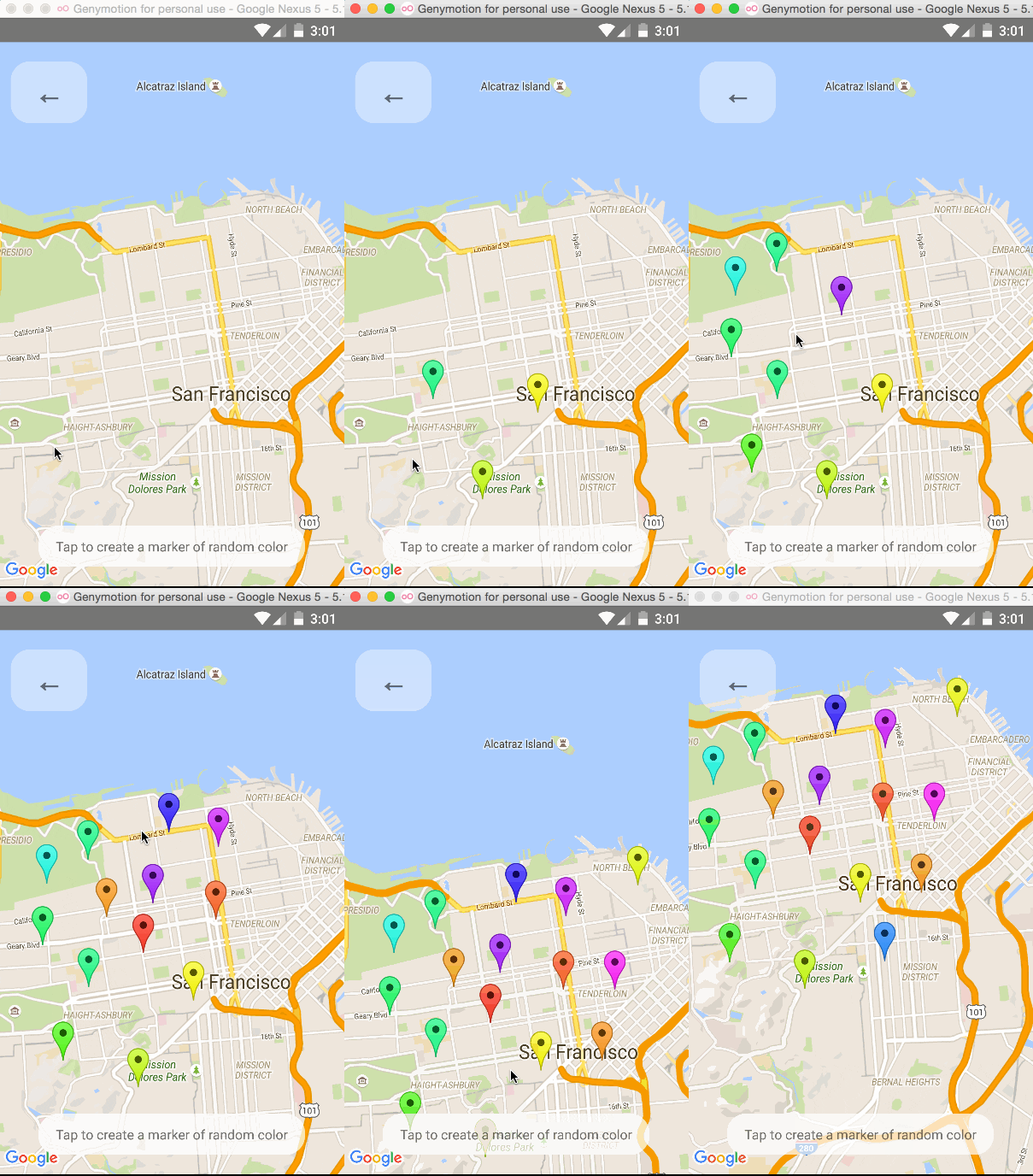
### Default Markers
Default markers will be rendered unless a custom marker is specified. One can optionally adjust the
color of the default marker by using the `pinColor` prop.
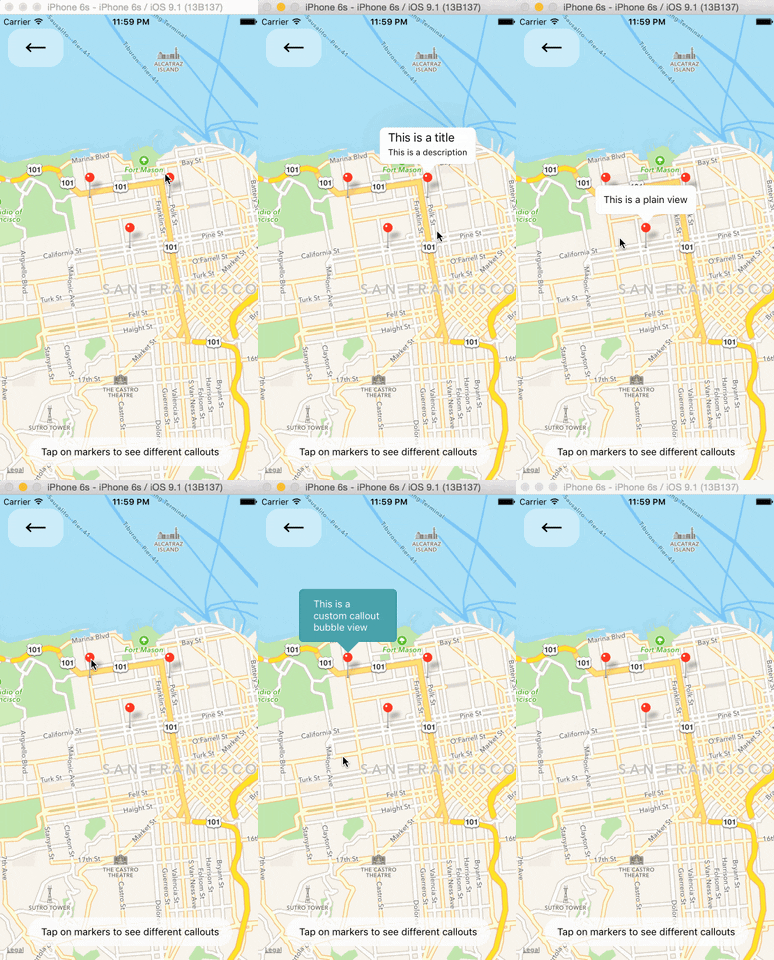
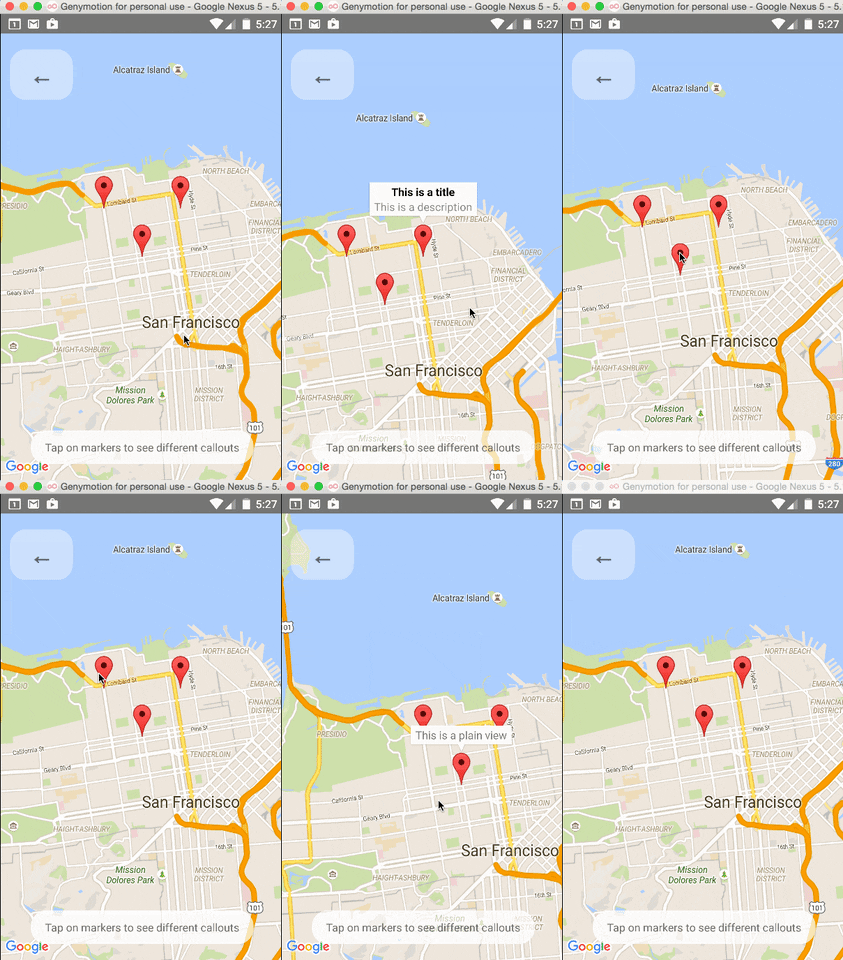
### Custom Callouts
Callouts to markers can be completely arbitrary react views, similar to markers. As a result, they
can be interacted with like any other view.
Additionally, you can fall back to the standard behavior of just having a title/description through
the ``'s `title` and `description` props.
Custom callout views can be the entire tooltip bubble, or just the content inside of the system
default bubble.
### Image-based Markers
Markers can be customized by just using images, and specified using the `image` prop.

### Draggable Markers
Markers are draggable, and emit continuous drag events to update other UI during drags.
## Component API
[`` Component API](docs/mapview.md)
[`` Component API](docs/marker.md)
[`` Component API](docs/callout.md)
[`` Component API](docs/polygon.md)
[`` Component API](docs/polyline.md)
[`` Component API](docs/circle.md)
## Using with the Animated API
The API of this Map has been built with the intention of it being able to utilize the [Animated API](https://facebook.github.io/react-native/docs/animated.html).
In order to get this to work, you will need to modify the `AnimatedImplementation.js` file in the
source of react-native with [this one](https://gist.github.com/lelandrichardson/c0d938e02301f9294465).
Ideally this will be possible in the near future without this modification.
### Animated Region
The MapView can accept an `Animated.Region` value as its `region` prop. This allows you to utilize
the Animated API to control the map's center and zoom.
```jsx
getInitialState() {
return {
region: new Animated.Region({
latitude: LATITUDE,
longitude: LONGITUDE,
latitudeDelta: LATITUDE_DELTA,
longitudeDelta: LONGITUDE_DELTA,
}),
};
}
onRegionChange(region) {
this.state.region.setValue(region);
}
render() {
return (
);
}
```
### Animated Marker Position
Markers can also accept an `Animated.Region` value as a coordinate.
```jsx
getInitialState() {
return {
coordinate: new Animated.Region({
latitude: LATITUDE,
longitude: LONGITUDE,
}),
};
}
render() {
return (
);
}
```