 Mason Daugherty
7dd84aca65
Mason Daugherty
7dd84aca65
Makes the `dcode` working-directory trust boundary explicit so users
understand that running it in a project directory lets that project
influence the process environment — the broader issue behind the `.env`
shell-startup-hook fix in #4288.

- `libs/code/README.md`: adds a `Security model` section — `dcode`
trusts the directory you run it in; do not run it in untrusted
directories without a sandbox backend.
- `libs/code/THREAT_MODEL.md`: adds threat `T12` (project `.env` injects
shell interpreter startup hooks) under `TB11`, extends the `TB11`
boundary controls/details with the dotenv shell-hook denylist
(`BASH_ENV`, `ENV`), and clarifies the `.env` out-of-scope row to
separate ordinary config discovery from the in-scope code-execution
implication.

`T11` was already taken by the ripgrep-install threat, so the new entry
is numbered `T12`. Companion docs-site warning: langchain-ai/docs#4619.

Made by [Open
SWE](https://openswe.vercel.app/agents/25c781c1-fad7-a196-6adb-5e606877a1f2)

---------

Signed-off-by: Mason Daugherty <github@mdrxy.com>
Co-authored-by: open-swe[bot] <open-swe@users.noreply.github.com>
Co-authored-by: open-swe[bot] <215916821+open-swe[bot]@users.noreply.github.com>
3.8 KiB
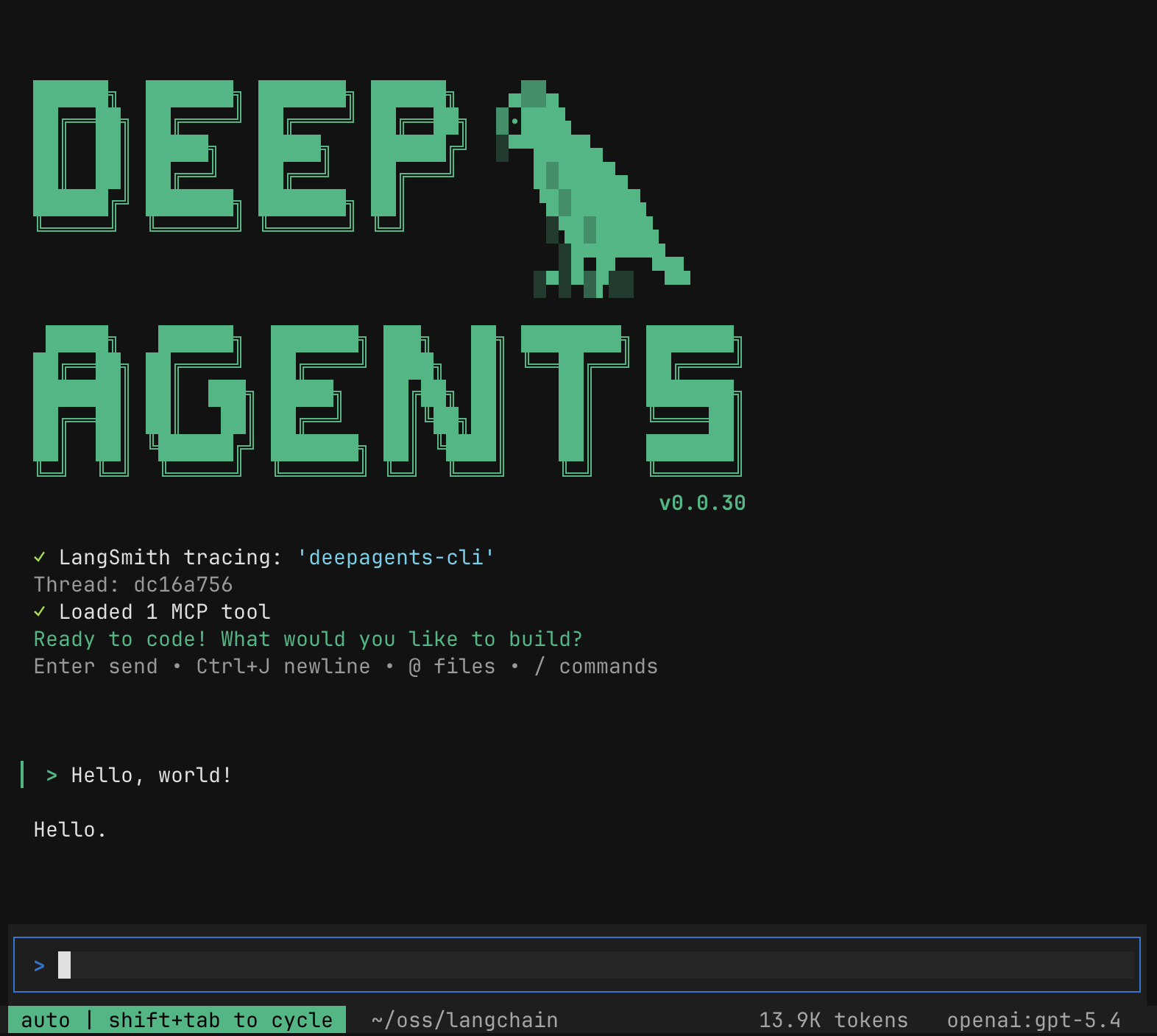
🧠🤖 Deep Agents Code




Quick Install
curl -LsSf https://langch.in/dcode | bash
# With model provider extras
# OpenAI, Anthropic, and Gemini are included by default
DEEPAGENTS_CODE_EXTRAS="nvidia,ollama" curl -LsSf https://langch.in/dcode | bash
Run:
dcode
🤔 What is this?
The fastest way to start using Deep Agents. deepagents-code is a pre-built coding agent in your terminal — similar to Claude Code or Cursor — powered by any LLM that supports tool calling. One install command and you're up and running, no code required.
What deepagents-code adds on top of the SDK:
- Interactive TUI — rich terminal interface with streaming responses
- Conversation resume — pick up where you left off across sessions
- Web search — ground responses in live information
- Remote sandboxes — run code in isolated environments (LangSmith, AgentCore, Daytona, Modal, Runloop, & more)
- Persistent memory — agent remembers context across conversations
- Custom skills — extend the agent with your own slash commands
- Headless mode — run non-interactively for scripting and CI
- Human-in-the-loop — approve or reject tool calls before execution
🔒 Security model
By default, dcode trusts the directory you run it in. Human-in-the-loop approval gates model-requested tool calls, but project artifacts are read before any approval prompt.
Do not run dcode in a directory you do not trust without a sandbox backend. For untrusted repositories, use a remote sandbox so execution is isolated from your machine. Running dcode in a directory lets that directory's files shape execution. See THREAT_MODEL.md for details.
📖 Resources
- Documentation
- Changelog
- Source code
- Deep Agents SDK — underlying agent harness
- LangChain Academy — Comprehensive, free courses on LangChain libraries and products, made by the LangChain team.
- Code of Conduct — community guidelines and standards
📕 Releases & Versioning
See our Releases and Versioning policies.
💁 Contributing
As an open-source project in a rapidly developing field, we are extremely open to contributions, whether it be in the form of a new feature, improved infrastructure, or better documentation.
For detailed information on how to contribute, see the Contributing Guide.
🤝 Acknowledgements
This project was primarily inspired by Claude Code, and initially was largely an attempt to see what made Claude Code general purpose, and make it even more so.