Gearboy
=======
Copyright © 2012 by Ignacio Sanchez
----------
[](https://travis-ci.org/drhelius/Gearboy)
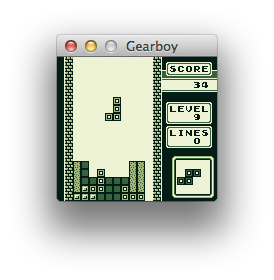
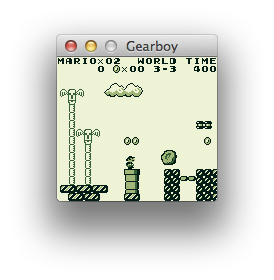
Gearboy is a Nintendo Game Boy / GameBoy Color emulator written in C++ that runs on iOS, Raspberry Pi, Mac, Windows, Linux and RetroArch.
Follow me on Twitter for updates: http://twitter.com/drhelius
----------
Downloads
--------
- iOS (Jailbreak): [Cydia](http://modmyi.com/info/gearboygameboy.d.php). You can open rom files from other apps like Safari or Dropbox. They can be placed in /var/mobile/Media/ROMs/GAMEBOY too. Save files are placed in /var/mobile/Library/Gearboy
- iOS: Build Gearboy with Xcode and transfer it to your device. You can open rom files from other apps like Safari or Dropbox, or use [iTunes file sharing](http://support.apple.com/kb/ht4094).
- Mac OS X: brew install gearboy
- Windows: [Gearboy-2.3-Windows.zip](http://www.geardome.com/files/gearboy/Gearboy-2.3-Windows.zip) (NOTE: You may need to install the [Microsoft Visual C++ Redistributable](http://www.microsoft.com/en-us/download/details.aspx?id=40784))
- Linux: [Gearboy-2.3-Linux.tar.gz](http://www.geardome.com/files/gearboy/Gearboy-2.3-Linux.tar.gz)
- Libretro / RetroArch: [docs](https://docs.libretro.com/library/gearboy/)
- Raspberry Pi: Build Gearboy from sources. Optimized projects are provided for Raspberry Pi 1, 2 and 3.
- Ubuntu Touch version by Ryan Pattison: [here](https://uappexplorer.com/app/gearboy.rpattison)
Features
--------
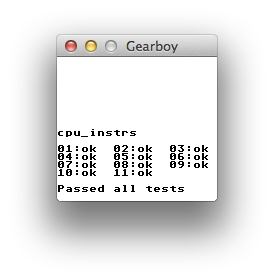
- Highly accurate CPU emulation, passes cpu_instrs.gb from blargg's tests.
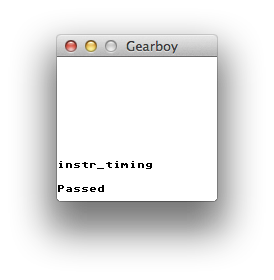
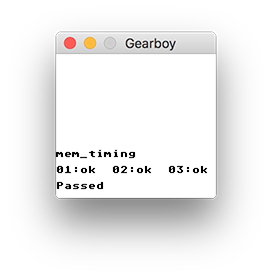
- Accurate instruction and memory timing, passes instr_timing.gb and mem_timing.gb from blargg's tests.
- Memory Bank Controllers (MBC1, MBC2, MBC3 with RTC, MBC5), ROM + RAM and multicart cartridges.
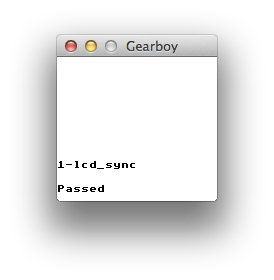
- Accurate LCD controller emulation. Background, window and sprites, with correct timings and priorities including mid-scanline timing.
- Mix frames: Mimics the LCD ghosting effect seen in the original Game Boy.
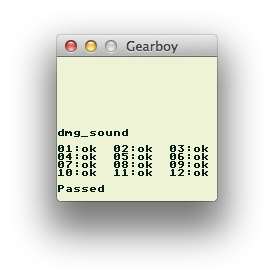
- Sound emulation using SDL Audio and [Gb_Snd_Emu library](http://slack.net/~ant/libs/audio.html#Gb_Snd_Emu).
- Game Boy Color support.
- Integrated disassembler. It can dump the full disassembled memory to a text file or access it in real time.
- Saves battery powered RAM cartridges to file.
- Save states.
- Compressed rom support (ZIP deflate).
- Game Genie and GameShark cheat support.
- Multi platform. Runs on Windows, Linux, Mac OS X, Raspberry Pi, iOS and as a libretro core (RetroArch).
Build Instructions
----------------------
### iOS
- Install Xcode for Mac OS X. You need iOS SDK 8 or later.
- Build the project platforms/ios/Gearboy.xcodeproj
- Run it on real hardware using your iOS developer certificate. Make sure it builds on Release for better performance.
- For jailbroken devices use the jailbreak branch.
### Raspberry Pi 2 & 3 - Raspbian
- Install and configure [SDL 2](http://www.libsdl.org/download-2.0.php) for development:
``` shell
sudo apt-get update
sudo apt-get upgrade
sudo apt-get install build-essential libfreeimage-dev libopenal-dev libpango1.0-dev libsndfile-dev libudev-dev libasound2-dev libjpeg-dev libtiff5-dev libwebp-dev automake
cd ~
wget https://www.libsdl.org/release/SDL2-2.0.8.tar.gz
tar zxvf SDL2-2.0.8.tar.gz
cd SDL2-2.0.8 && mkdir build && cd build
../configure --disable-pulseaudio --disable-esd --disable-video-mir --disable-video-wayland --disable-video-x11 --disable-video-opengl --host=armv7l-raspberry-linux-gnueabihf
make -j 4
sudo make install
```
- Install libconfig library dependencies for development: sudo apt-get install libconfig++-dev
- Use make -j 4 in the platforms/raspberrypi3/x64/ folder to build the project.
- Use export SDL_AUDIODRIVER=ALSA before running the emulator for the best performance.
- Gearboy generates a gearboy.cfg configuration file where you can customize keyboard and gamepads. Key codes are from [SDL](https://wiki.libsdl.org/SDL_Keycode).
### Windows
- You need Visual Studio 2015 or later.
- Install the [Qt 5 Open Source SDK for Windows](https://www.qt.io/download/).
- Install the [QtPackage Extension](https://visualstudiogallery.msdn.microsoft.com/c89ff880-8509-47a4-a262-e4fa07168408) and point it to the Qt SDK.
- Open the Gearboy Visual Studio solution platforms/windows/Gearboy/Gearboy.sln and build.
- You may want to use the platforms/windows/Gearboy/Gearboy.pro project file with Qt Creator instead.
### Mac OS X
- You need Qt Creator, included in the Qt 5 SDK.
- Install Xcode and run xcode-select --install in the terminal for the compiler to be available on the command line.
- Install the [Qt 5 SDK for Mac OS](http://qt-project.org/downloads).
- Download [SDL 2](http://www.libsdl.org/download-2.0.php) source code. Then run this commands:
``` shell
./configure
make
sudo make install
```
- Open the platforms/macosx/Gearboy/Gearboy.pro project file with Qt Creator and build.
### Linux
- Ubuntu / Debian:
``` shell
sudo apt-get install build-essential qt5-default qttools5-dev-tools freeglut3-dev libsdl2-dev libglew-dev
cd platforms/linux/Gearboy
qmake Gearboy.pro && make
```
- Fedora:
``` shell
sudo dnf install @development-tools gcc-c++ qt5-devel freeglut-devel SDL2-devel glew-devel
cd platforms/linux/Gearboy
qmake-qt5 Gearboy.pro && make
```
Accuracy Tests
------------
Compared to other emulators: [see here](http://tasvideos.org/EmulatorResources/GBAccuracyTests.html).
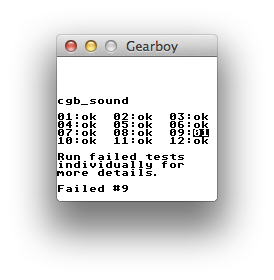
Tests from [blargg's test roms](http://slack.net/~ant/old/gb-tests/):
Screenshots
-----------
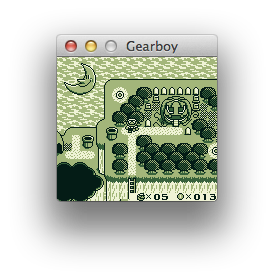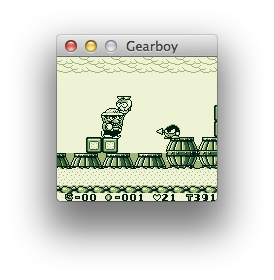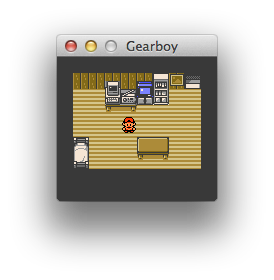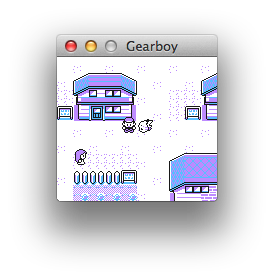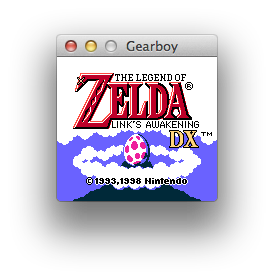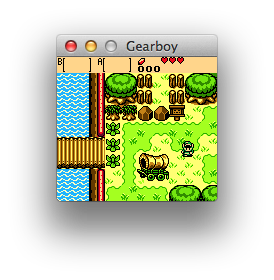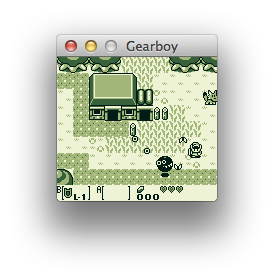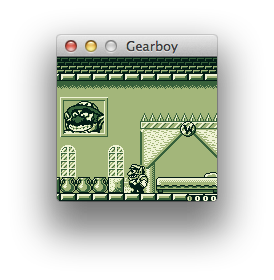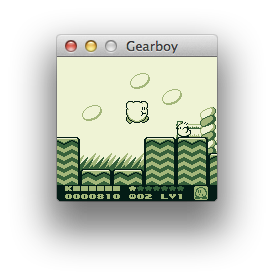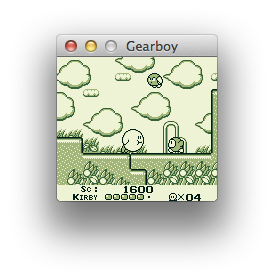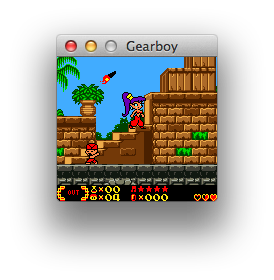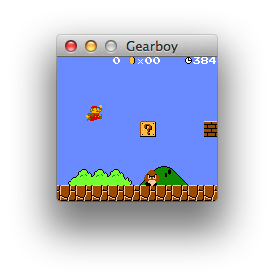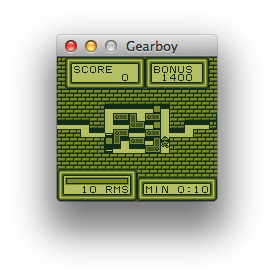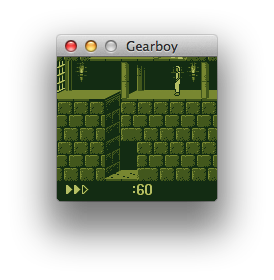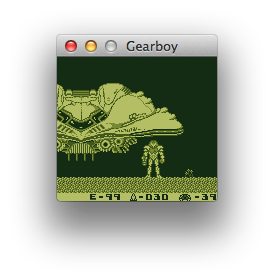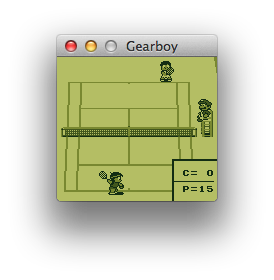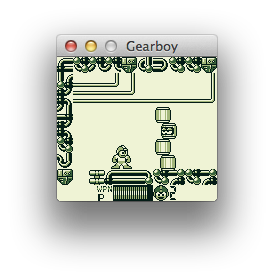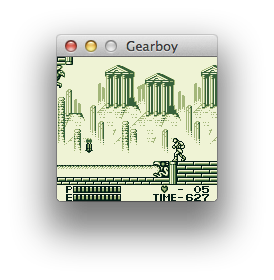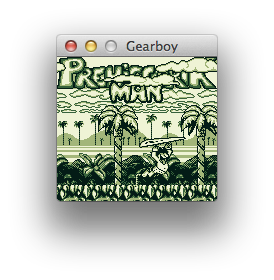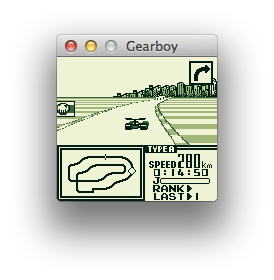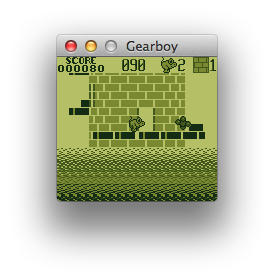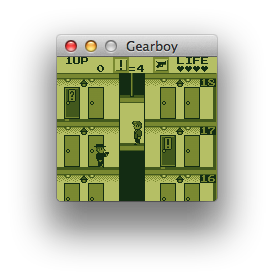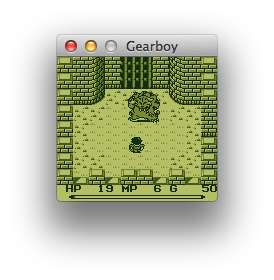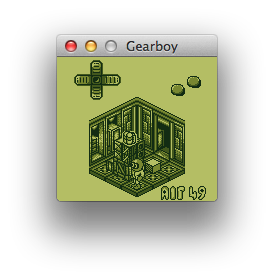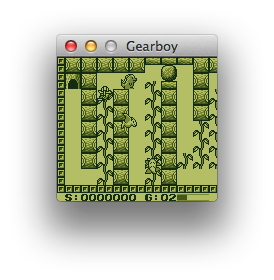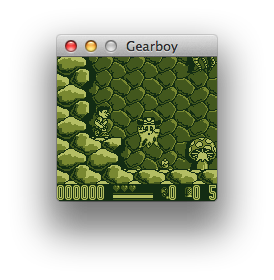
License
-------
Gearboy - Nintendo Game Boy Emulator
Copyright (C) 2012 Ignacio Sanchez
This program is free software: you can redistribute it and/or modify
it under the terms of the GNU General Public License as published by
the Free Software Foundation, either version 3 of the License, or
any later version.
This program is distributed in the hope that it will be useful,
but WITHOUT ANY WARRANTY; without even the implied warranty of
MERCHANTABILITY or FITNESS FOR A PARTICULAR PURPOSE. See the
GNU General Public License for more details.
You should have received a copy of the GNU General Public License
along with this program. If not, see http://www.gnu.org/licenses/