---
title: How to set up React A/B testing
date: 2025-03-07
author:
- ian-vanagas
showTitle: true
sidebar: Docs
tags:
- experimentation
---
A/B tests help you make your React app better by comparing changes for their impact on key metrics. To show you how to set one up, we will create a basic React app with Vite, add PostHog, create an experiment, and implement it to A/B test content in our app.
## Creating a React app with Vite
First, create our React app using Vite and go into the newly created `react-ab-test` folder.
```bash
npm create vite@latest react-ab-test -- --template react
cd react-ab-test
npm install
```
Next, remove the boilerplate code in `src/App.jsx` to simplify it to only a title and button we encourage users to press.
```jsx
// src/App.jsx
import './App.css'
function App() {
return (
We are testing this button:
)
}
export default App
```
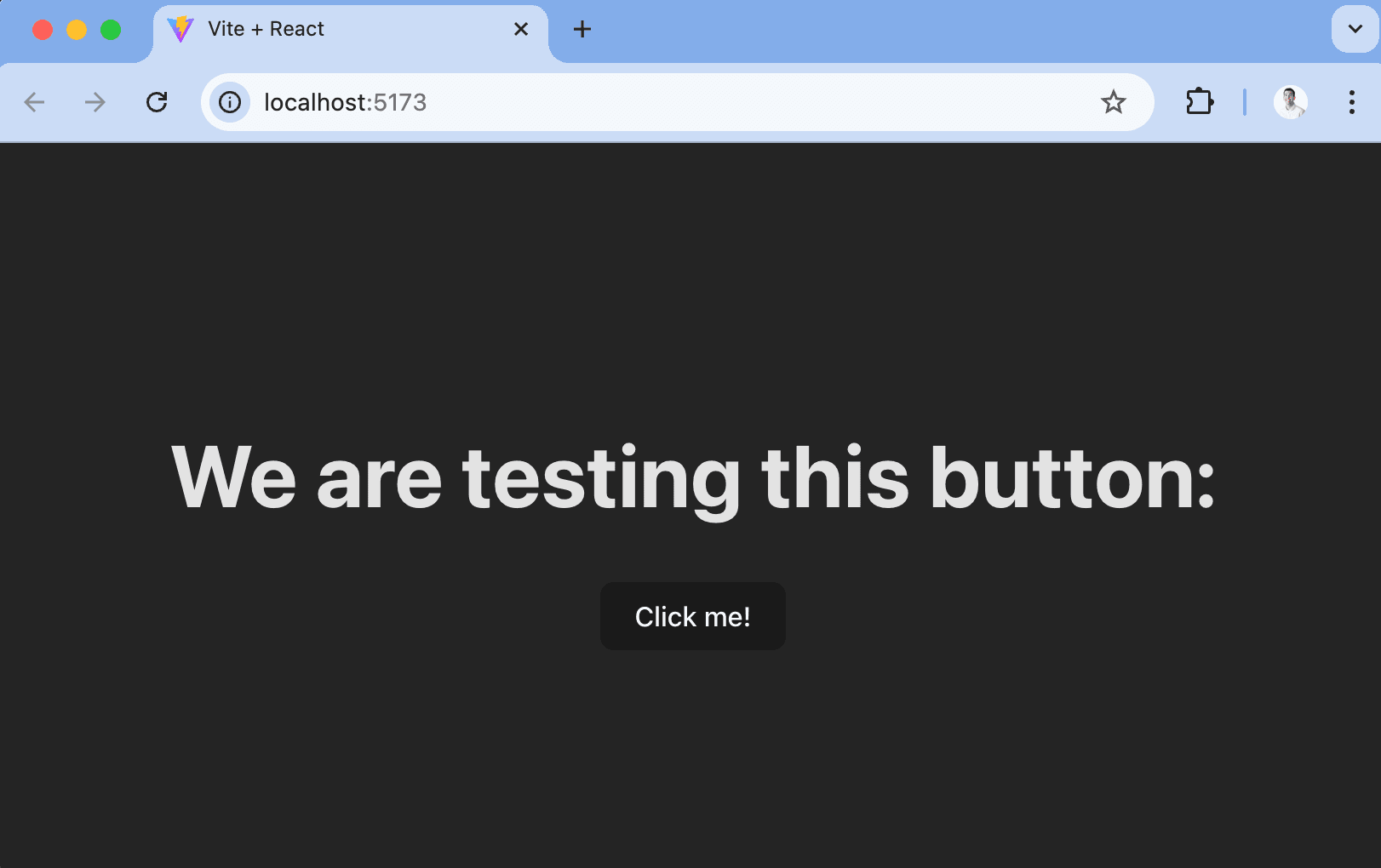
Finally, run `npm run dev` and go to `http://localhost:5173/` to see our new homepage.
## Adding PostHog
To use PostHog to manage and track our A/B test, we must install and set it up. We do this by installing the `posthog-js` and `@posthog/react` libraries to get access to the [React SDK](/docs/libraries/react).
```bash
npm install posthog-js @posthog/react
```
Once installed, import PostHog into `src/main.jsx` and set up a client using our project API key and host from [your project settings](https://us.posthog.com/settings/project).
We can then initialize PostHog and wrap our app in the React `PostHogProvider` to access PostHog in any component.
```jsx
// src/main.jsx
import React from 'react'
import ReactDOM from 'react-dom/client'
import './index.css'
import App from './App.jsx'
import posthog from 'posthog-js'
import { PostHogProvider } from '@posthog/react'
posthog.init(
,
{
api_host: ,
}
)
ReactDOM.createRoot(document.getElementById('root')).render(
)
```
Use the React `usePostHog` hook in our `src/App.jsx` file to capture a custom event when the button is clicked. This will be the goal metric for our A/B test.
```jsx
// src/App.jsx
import './App.css'
import { usePostHog } from '@posthog/react'
function App() {
const posthog = usePostHog()
const handleClick = () => {
posthog.capture('button clicked')
}
return (
We are testing this button:
)
}
export default App
```
Once done, go back to your app, click the button, and you should see a `button clicked` event captured into your PostHog instance.
## Creating an experiment
With PostHog set up, your React app is ready for the A/B test.
To create one, go to the [experiments tab](https://app.posthog.com/experiments) in PostHog and click **New experiment**. Add a name, feature flag key (like `home-button-test`), choose **product experiment**, **person** participant type, and press **Save as draft**.
On the detail page, scroll down and click **Add primary metric**, choose **single-use**, **trend** metric type, and then select the `button clicked` event.
You can customize it further with a description, secondary metrics, or more variants (for [multivariate testing](/product-engineers/what-is-multivariate-testing-examples)).
## Implementing the experiment
With our experiment created, it's time to add it to our React app. To do this, check the `home-button-test` flag using the `useFeatureFlagVariantKey` hook and show our changed content if it returns the value "test."
```jsx
// src/App.jsx
import './App.css'
import { useFeatureFlagVariantKey, usePostHog } from '@posthog/react'
function App() {
const posthog = usePostHog()
const flagValue = useFeatureFlagVariantKey('home-button-test')
const handleClick = () => {
posthog.capture('button clicked')
}
return (
We are testing this button:
{flagValue === 'test' ? (
) : (
)}
)
}
export default App
```
> Alternatively, you can use the **React feature component** as shown in the [How to set up React feature flags](/tutorials/react-feature-flags#using-the-posthog-feature-component) tutorial.
To test that it works, temporarily override the feature flag with the test value in your App component:
```jsx
//...
// Add this line to test the variant, then remove it before going to production
posthog.featureFlags.overrideFeatureFlags({'home-button-test': 'test'})
const flagValue = useFeatureFlagVariantKey('home-button-test')
//...
```
After confirming both sides of the A/B test work, remove the `featureFlags.override` call, go back to your experiment in PostHog, and click **Launch**. The A/B test is then running to get results on which version is best.
## Further reading
- [How to bootstrap feature flags in React with Vite and Express](/tutorials/bootstrap-feature-flags-react)
- [How to do holdout testing](/tutorials/holdout-testing)
- [How to set up analytics in React](/tutorials/react-analytics)