',
})
ReactDOM.createRoot(document.getElementById('root')).render(
,
)
```
Once done, start your app again with `npm run dev` and you should see an event autocaptured into PostHog.
## Creating a feature flag
With PostHog set up, your React app is ready for feature flags.
To create one, go to the [feature flags tab](https://app.posthog.com/feature_flags) in PostHog and click **New feature flag**. Enter a flag key (like `cool-react-homepage`), set the release condition to roll out to 100% of users, and press **Save**.
You can customize your conditions with percentage and person or group properties to fit your needs.
## Adding our feature flag
Once created, we can add our feature flag to our React app. We do this using the `useFeatureFlagEnabled` hook to conditionally show new content in our component.
```jsx
// src/App.jsx
import './App.css'
import { useFeatureFlagEnabled } from '@posthog/react'
function App() {
const flagEnabled = useFeatureFlagEnabled('cool-react-homepage')
return (
{flagEnabled ?
Welcome to my cool new React app
:
Welcome to my React app
}
)
}
export default App
```
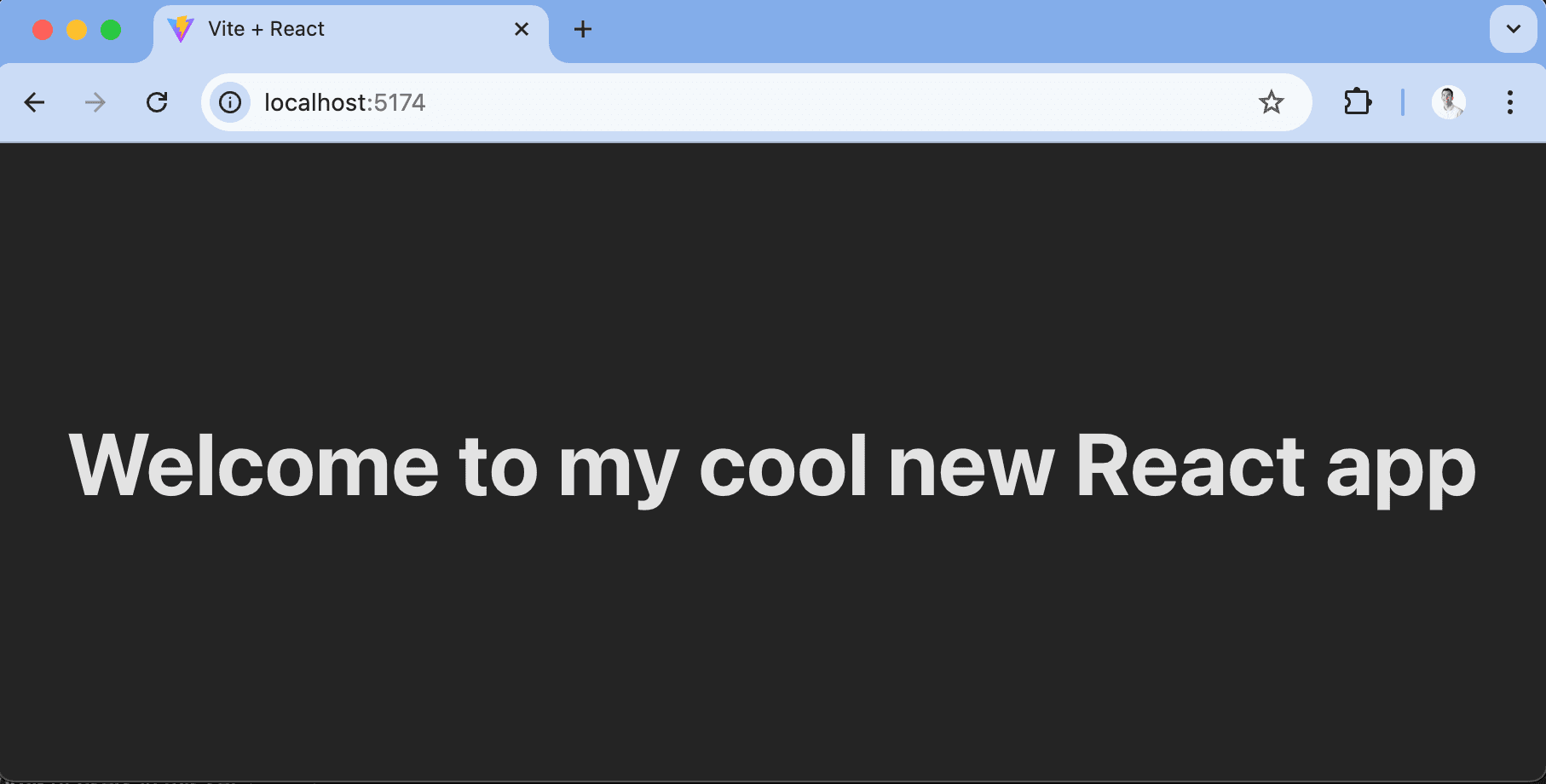
With the flag enabled, our app now shows "Welcome to my cool new React app."
> **Want to remove the flicker while loading?** Read our tutorial on [How to bootstrap feature flags in React with Vite and Express](/tutorials/bootstrap-feature-flags-react).
### Using the PostHog feature component
An alternate way to implement feature flags is to use the `PostHogFeature` React component. This simplifies the logic of using flags as well as captures related usage automatically (such as a `$feature_view` event). We set the old content as the fallback for the component.
```jsx
// src/App.jsx
import './App.css'
import { PostHogFeature } from '@posthog/react'
function App() {
return (
Welcome to my React app}
>
Welcome to my cool new React app
)
}
export default App
```
These are basic implementations of React feature flags setup. From here, you can set up [A/B tests](/experiments), a [public beta program](/tutorials/public-beta-program), or [canary releases](/tutorials/canary-release).
## Further reading
- [Testing frontend feature flags with React, Jest, and PostHog](/tutorials/test-frontend-feature-flags)
- [How to add popups to your React app with feature flags](/tutorials/react-popups)
- [How to bootstrap feature flags in React with Vite and Express](/tutorials/bootstrap-feature-flags-react)